A world model on 6 GB of VRAM, and it produces clips
On a laptop GPU with 6 GB of VRAM, a 1.3B world model produces clips. The cost is time — under a second of picture takes more than ten minutes — and the camera is still not very obedient.
LingBot-World 2.0 · 1.3B
RTX 3060 Laptop · single-GPU test
1. Research question and main finding
This study asks whether the 1.3B image-to-video world model from Ant Lingbo, LingBot-World 2.0, can produce a playable clip on a laptop GPU with 6 GB of VRAM; and if so, whether what limits it is VRAM, clip length, or speed.
With the window set to 18+6, T5 on the CPU, and the model loaded as bfloat16 per its configuration, all five runs produced clips: the short lakeside clip, the longer clip, the changed trajectory, the changed scene, and the walk back to the start. Peak VRAM landed between 5963 and 5983 MiB in all five, and 5934 to 5983 MiB once the idle baseline is subtracted. Nothing in that spread tracks clip length: the trajectory run, which has the fewest frames, peaked highest. None of these runs is real time.
| run_id | Wall clock | Peak VRAM |
|---|---|---|
LB2-HEAD-001 |
728 s | 5978 MiB |
LB2-LEN-001 |
1496 s | 5975 MiB |
LB2-CAM-001 |
808 s | 5983 MiB |
LB2-SCENE-001 |
808 s | 5963 MiB |
LB2-BACK-001 |
1500 s | 5975 MiB |
The wall clock above is wall_clock_s from metrics/<RunId>.json: from xterm
startup to the end of the command plus 4 seconds, including model load,
sampling, and the roughly 20 seconds spent typing the command out. It does not
include the screen-recording wind-down. Peak VRAM includes whatever the idle
baseline was, and those baselines differ: LB2-HEAD-001 started at 44 MiB and
the other four at 0. Comparing peaks across runs directly is not sound, so the
figure used above is the net usage after subtracting the baseline. The method
is in section 6.
The reference command in the official README is 480×832, multi-process. This machine has one card. In single-process mode
generate.pyallows neither FSDP nor aulysses_sizegreater than 1. What is tested here is the single-process path — not that multi-GPU command, and not an unreleased 720p / 60 fps deployment stack.
2. Test environment
| Item | Configuration |
|---|---|
| GPU | RTX 3060 Laptop GPU, 6144 MiB, compute capability 8.6 |
| System memory | About 47 GiB visible to WSL2; the host has 64 GB DDR5 |
| Operating system | Windows 11, inference running in WSL2 Ubuntu 24.04.5 |
| Code | lingbot-world-v2, commit 1895d300 |
| PyTorch | 2.11.0+cu128 |
| CUDA | 12.8.93 |
| flash-attn | 2.8.3.post1, matching cu128 and torch 2.11 |
The weights under test are the DiT from lingbot-world-v2-1.3b-causal-fast.
Hugging Face's model record lists float32, 1.71 billion parameters, and six
shards totalling 6525 MiB. T5, the VAE and the tokenizer come from the 14B
bundle; the 14B DiT was never downloaded. Per-file SHA256 values are in that
experiment's model.json. The index file's SHA256 is b0409d66…022e42.
The licence is CC BY-NC-SA 4.0. This report records one measurement; it is not a grant of commercial rights.
The mobile RTX 3060 has 6 GB of VRAM. The desktop card is not this card, and numbers from the two must not be quoted for each other. The captured picture comes from an Xvfb virtual display, not from a Windows desktop recording.
3. The command that actually ran
Every successful run shared the parameters below. The frame count, the starting
image, the trajectory and the prompt change per section. The commands are
archived under 01-实验/2026-09-26_lingbot-world-1.3b-6gb/_runners/.
python generate.py --task i2v-1.3B --infer_mode causal_fast \
  --size 480*832 --frame_num 13 \
  --local_attn_size 18 --sink_size 6 \
  --t5_cpu --offload_model True --convert_model_dtype \
  --image examples/03/image.jpg \
  --action_path examples/03 --base_seed 42
--size 480*832 is an area parameter. The code rewrites the output to match the
aspect ratio of the starting image. What ffprobe reads back is 832×464, not
480×832 pixels. The frame rate is 16 fps, taken from sample_fps in the model
configuration and confirmed by ffprobe's avg_frame_rate=16/1.
causal_fastasserts before sampling thataction_pathmust be supplied. The first attempt left it out and the process exited before generation began. The successful runs use the repository's ownexamples/03, which containsposes.npyandintrinsics.npy.
4. 13 frames: the shortest runnable length
When 5 frames are requested, chunk_size is 4, the time-dimension latent
collapses to 0, and the code then asks for a shape of [1, -3, 58, 104]. By
the same formula, the shortest runnable 4n+1 is 13.
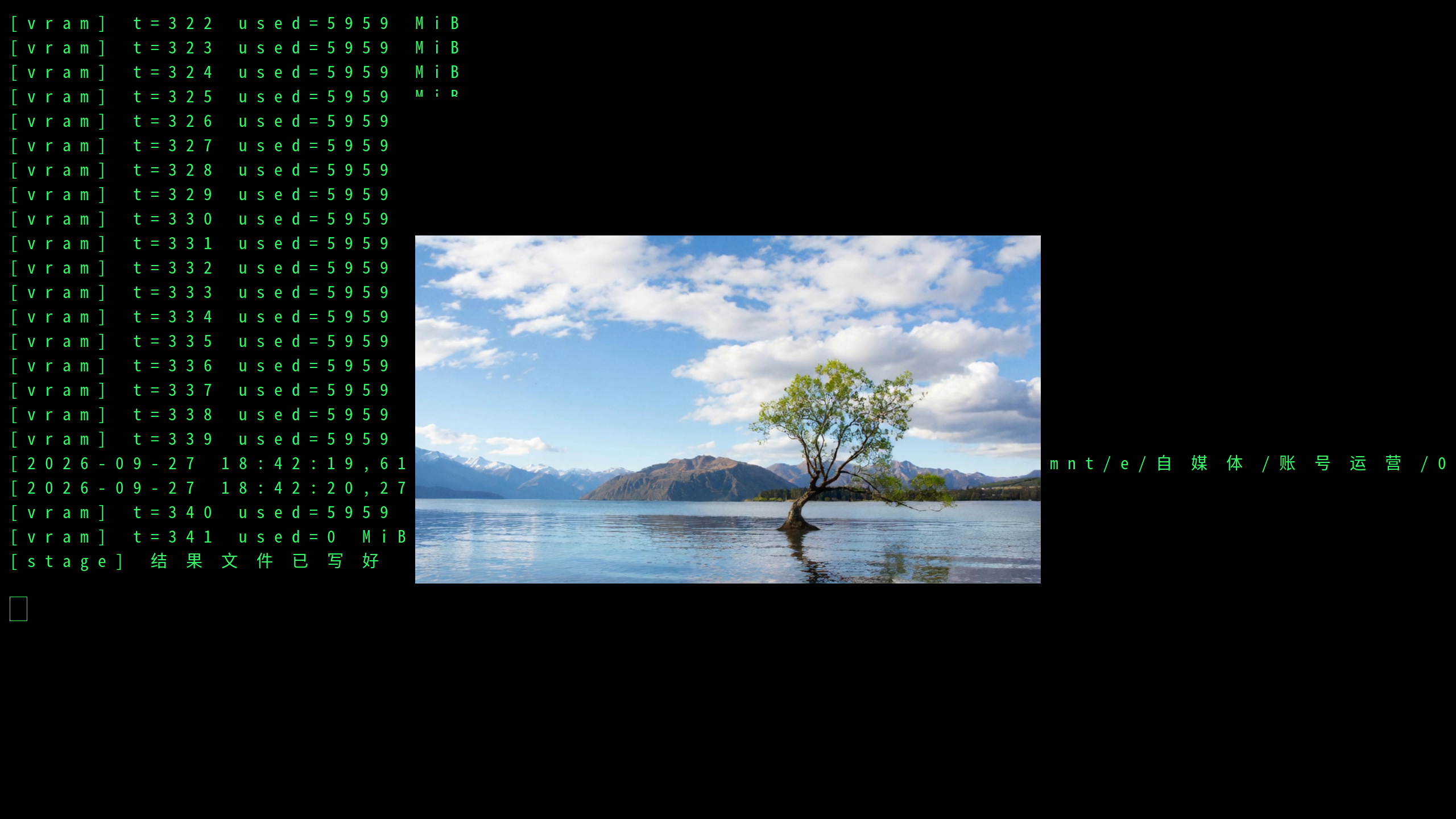
| Item | Observation |
|---|---|
| Clip | 832×464, 13 frames, 0.8125 s, 1 271 538 bytes |
| Generation window | log 18:31:58 to 18:42:19 |
| VRAM loaded / peak | 5959 / 5978 MiB |
| Peak anonymous memory | 25537 MiB |
| swap | not triggered |
The length of the generation window is the difference of those two log lines and was not verified automatically. The 728 s wall clock includes loading and the recording wind-down; it is in the section 1 table.
5. 29 frames: making it longer costs time
21 frames is pulled back down to 13 by the same chunk_size 4 rule, so it
cannot test a longer clip. The next 4n+1 that actually grows is 29, which is
LB2-LEN-001.
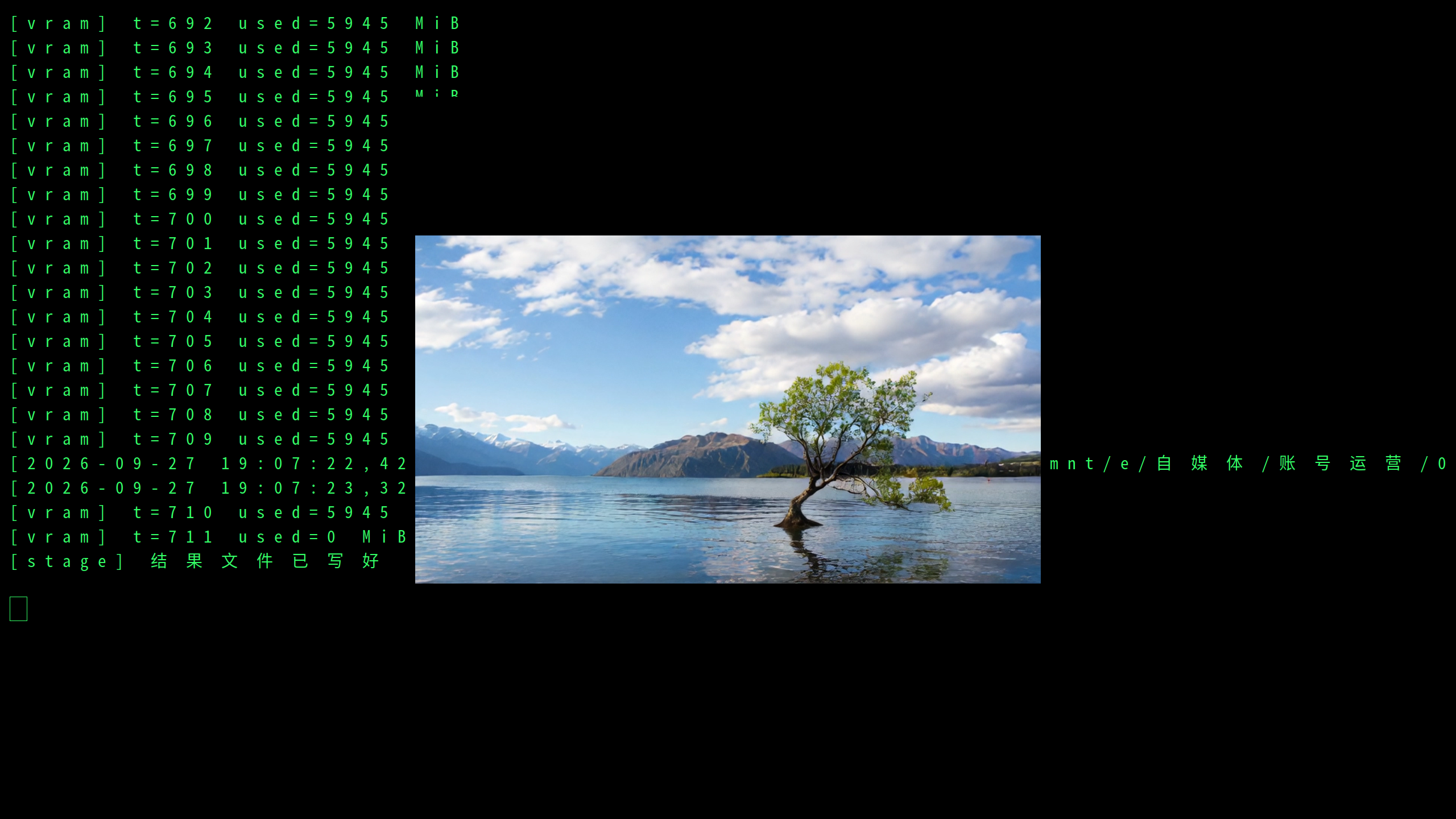
| Item | Observation |
|---|---|
| Clip | 832×464, 29 frames, 1.8125 s, 2 580 550 bytes |
| Generation window | log 18:44:30 to 19:07:22 |
| VRAM loaded / peak | 5945 / 5975 MiB |
| Peak anonymous memory | 25111 MiB |
| swap | not triggered |
The generation window is about 1372 s (about 621 s for 13 frames), not verified automatically. Net usage is 5975 MiB, still inside the 13-frame band.
6. Changing the trajectory, changing the scene, walking back
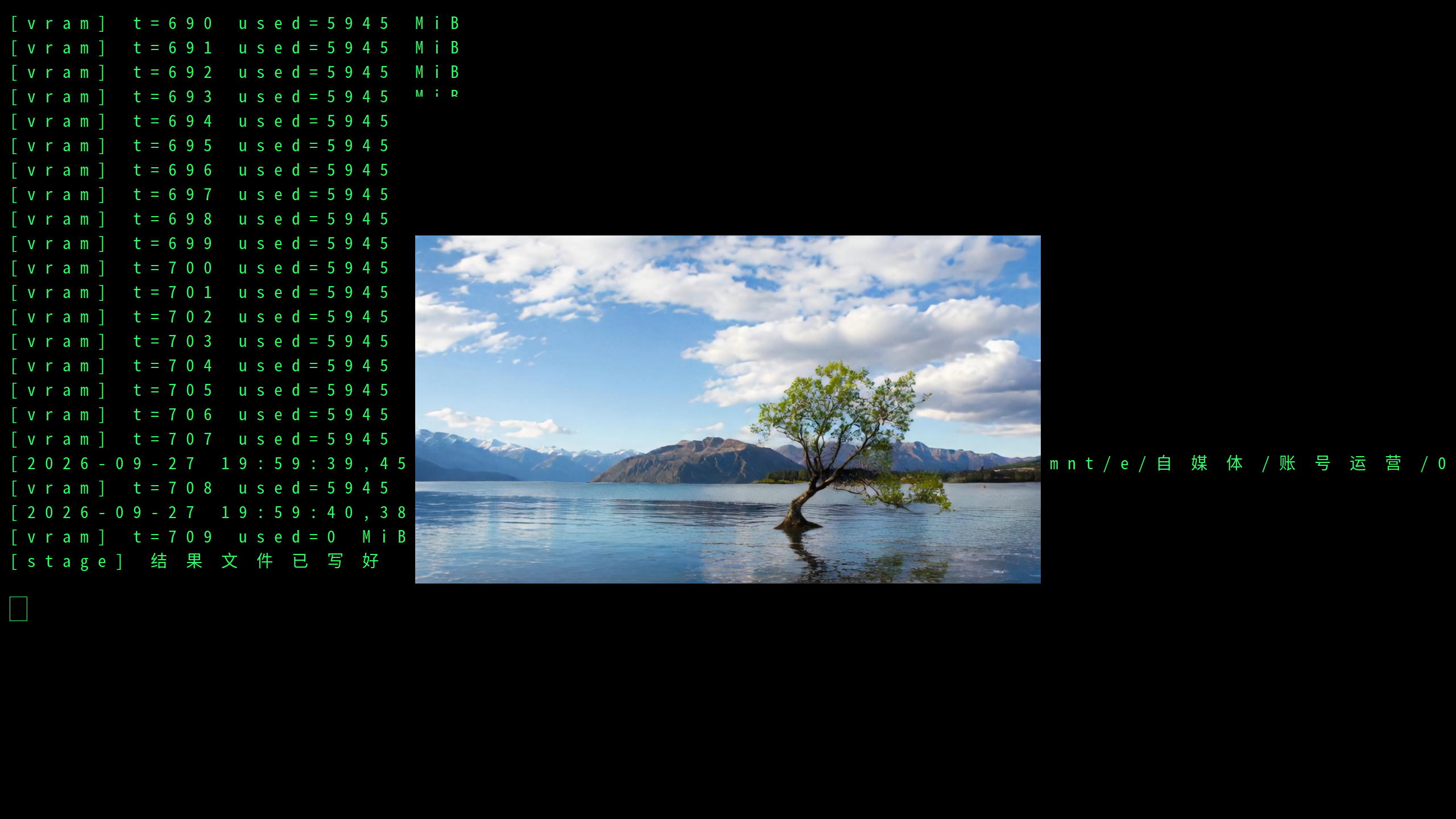
LB2-HEAD-001 is the lakeside image with the first 13 frames of examples/03;
it was not re-run. The three below change only the image or the trajectory.
Window, seed and single-card setup stay the same. Wall clock and peak VRAM are
in section 1.
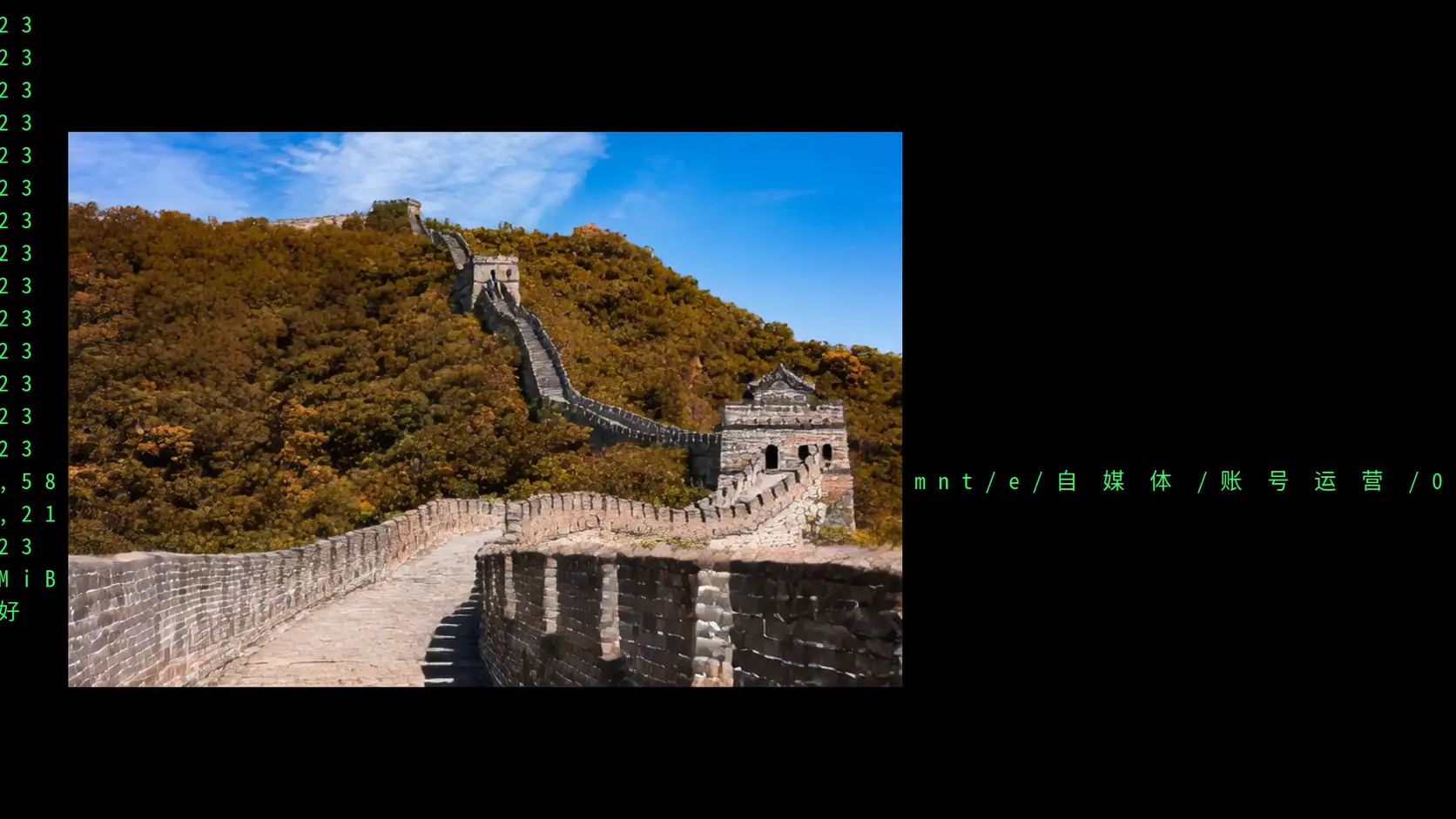
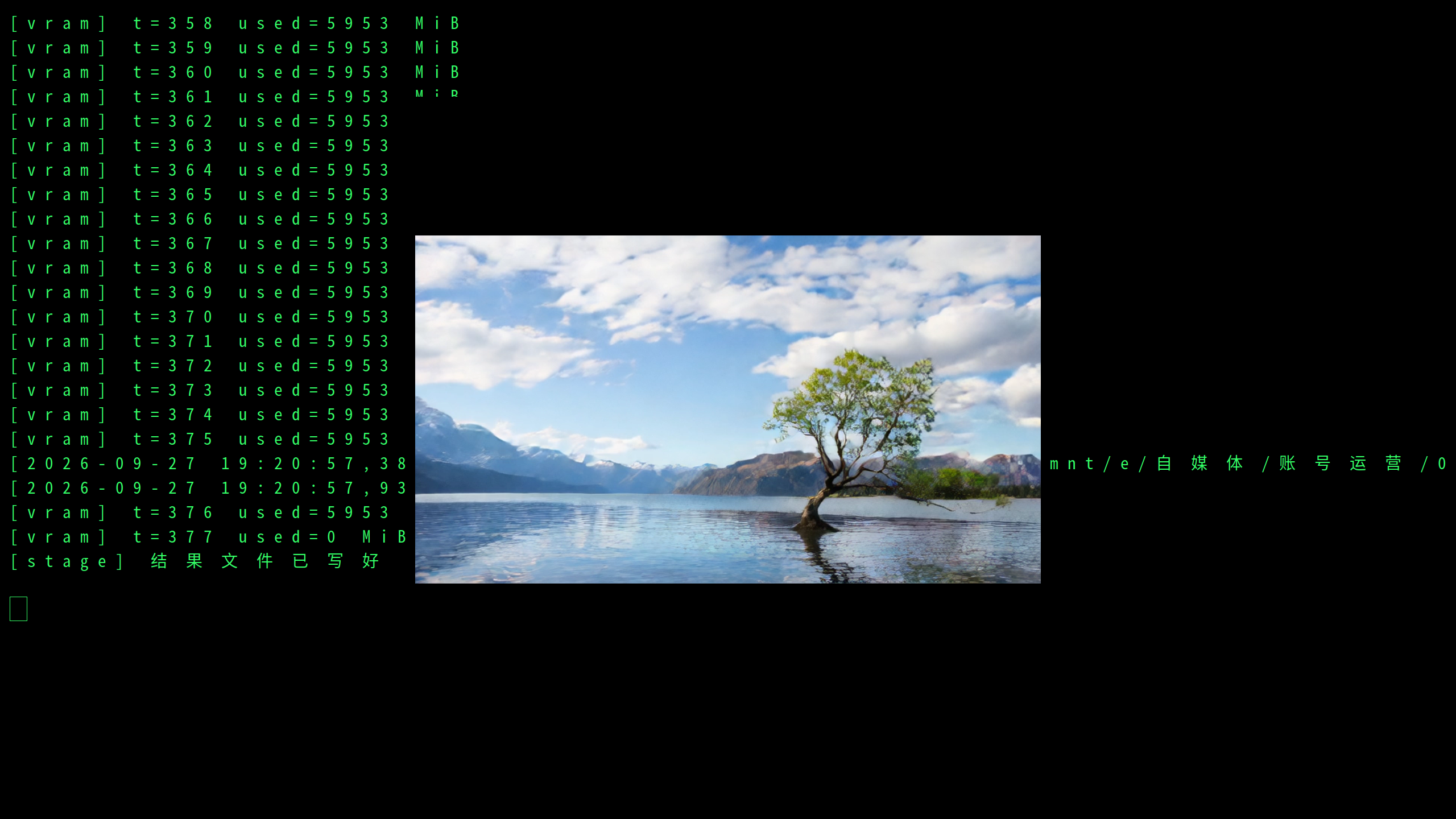
The same lakeside image with the sideways poses from frames 208–220, which is
LB2-CAM-001. The mean pixel difference between the first and last frames is
52.95 against 38.95 for the original run. The tree is still in the lake on the
right of the picture. That pixel difference is recomputed from the clip by the
experiment's archived results/pixdiff.cjs; it is not a measure of directional
accuracy, and it does not mean the camera travelled the full sideways distance.
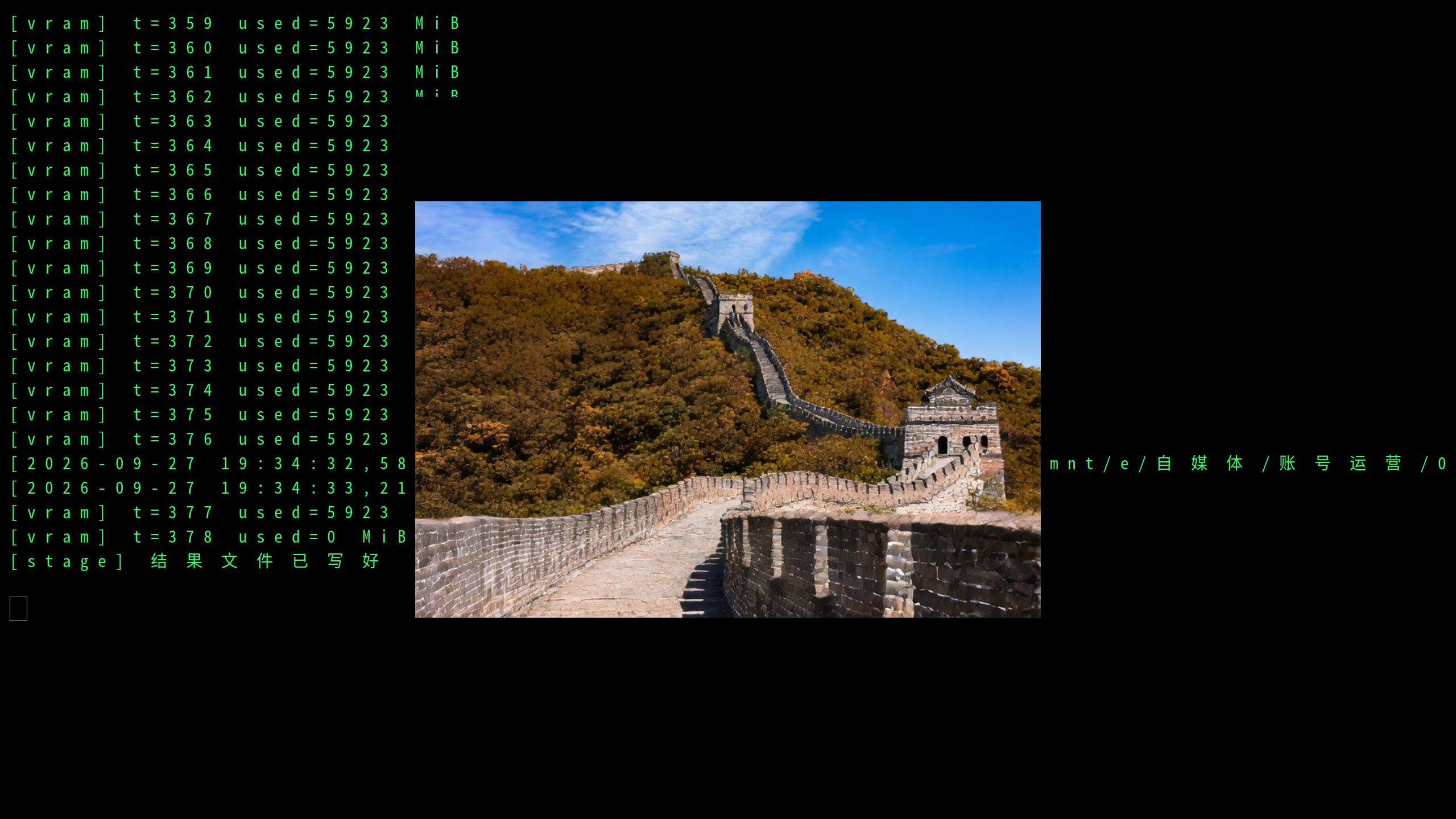
The Great Wall image with its own first 13 frames and the prompt written as an
autumn Great Wall, which is LB2-SCENE-001. The first and last frames are both
the Great Wall and a watchtower, not the lake. The clip is 768×512, because the
code resizes to the aspect ratio of that image.
The same lakeside image walking out and then reversing along the same poses
back to the start, which is LB2-BACK-001, 29 frames. The tree is still there
in the first frame, the 15th and the last. The pixel difference from the first
frame to the 15th is 38.72, and from the first frame to the last is 32.58. The
last frame is closer to the opening than the 15th is, but it is not the same
picture.
7. Conclusion
A 6 GB laptop GPU can run this world model and produce video. All five runs produced clips, VRAM usage stayed in the 5934–5983 MiB band, and making the clip longer did not move it.
The cost is time. Under a second of picture takes more than ten minutes to generate. It is not real time.
The picture can change location. Given a Great Wall image, what comes out is the Great Wall and a watchtower, not the lake; the tree also stays where it is. The camera is still not very obedient: switch to a sideways trajectory and the picture does move more, but it does not travel the whole way; walk back along the same path and the last frame does not return to the opening frame.
If you want to try it yourself, one 6 GB card is enough to get it running — just do not expect real-time video. This is a 1.3B model on a laptop, not the official 720p / 60 fps deployment stack.