Timeline
A chronological view of published KUN Field Notes articles and tests.
2026
 Review
125B on a 6GB Laptop GPU: Strata 28–34 tok/s vs llama.cpp ~12, but Strata Almost Didn't Run
Qwen3.8 Flash Next (125B, Q2_0) on an RTX 3060 Laptop with 6GB of VRAM and 64GB of RAM. Strata chats at 28–34 tok/s, more than twice llama.cpp, and halves time to first token on a 4K document. But its default config was 383MiB short on VRAM, and it only ran with the MTP draft layer off and 8K context. llama.cpp is slower but still runs 32K.
- Project
What Runs on 6GB VRAM? Our Tested List of Local Models (Updated)
Language, image and world models we've actually run on one RTX 3060 Laptop 6GB with 64GB RAM. Every row links to the full test, and only models we ran ourselves are listed.
- Review
How Much Do Coding Agents Read Before Your Prompt? pi 1.4K, Codex 6.4K, Claude Code 15.8K Tokens
First-request prompt size and processing time for three agents, read from llama-server logs. On a 6GB laptop, Claude Code takes 8.6x longer than pi just to read its own prompt.
- Review
Same Local Model, pi 12/12, Claude Code 7/12: Three Coding Agents on a 6GB GPU
LFM2.5-24B and Qwen3.6-35B on llama.cpp on a 6GB laptop, driven by pi, Codex and Claude Code. pi passed everything and was fastest. Codex passed but made 12 tool-argument errors. Claude Code's system prompt filled half the context, and it reported tasks "done" with an empty folder.
- Tutorial
Claude Code with a Local llama.cpp Model: It Works, but Half of 32K Context Is Gone
llama-server ships an Anthropic-compatible endpoint, so Claude Code can talk to a local model by changing one URL. It ran on our 6GB laptop, but its ~16K-token system prompt triggers "Prompt is too long" on small-context models.
- Tutorial
Codex CLI with a Local Model: Config, and 12 \"expected i32\" Errors
Point Codex CLI at llama-server with a custom model_provider. On LFM2.5-24B it passed 12/12, but made 12 tool-argument type errors and recovered by retrying. The first bug-fix run took 599 s.
- Project
How We Test Local LLMs So Results Are Reproducible
Ask "is it usable?" rather than "does it run?" Set a baseline before adding variables. Sweep coarse, then refine at the turning point. Every number traces back to a raw log, and each rule comes from a mistake we made.
- Tutorial
Build llama.cpp with CUDA on a Windows Laptop via WSL2 (RTX 3060)
Build llama.cpp with CUDA 12.8 in WSL2 on a Windows 11 laptop to get llama-server and llama-bench. Every 6GB test on this site uses this setup, and three settings are the easiest to get wrong.
- Tutorial
MoE in llama.cpp: Putting All Experts on the CPU Was 4x Faster (-ncmoe Tuning)
On a 6GB laptop, Qwen3.6-35B-A3B generates 5.2 t/s with experts on the GPU and 21.5 t/s with all experts in system RAM, using half the VRAM. That isn't a rule, though. LFM2.5-24B peaks in the middle.
- Tutorial
One Command to Turn llama-server into a Local OpenAI / Anthropic API (6GB Settings)
llama-server speaks both OpenAI- and Anthropic-compatible APIs, so pi, Codex and Claude Code can all connect to it. These are the exact flags we used to run agents on a 6GB laptop, and what each one does.
- Tutorial
Slow Hugging Face Downloads? Parallel Range Chunks, Tested
Downloading 16.6 GB of Qwen-Image 2.1 weights, both curl and the official client stalled. Switching to 16 parallel 32 MiB Range chunks reached ~15.8 MiB/s during the main model's chunk phase, and both files finished in 36 minutes with official SHA256 checks passing.
- Review
Qwen-Image 2.1 on a 6GB GPU: Same Chinese Text, Different Prompt, 1/6 vs 6/6 Correct
With INT8 weights and CPU offload, all 17 generations succeeded on an RTX 3060 Laptop 6GB, at about 3 minutes per 1024×1024 image. With identical target text, a bare prompt rendered it strictly correct 1/6 times; a prompt spelling out lines and boundaries, 6/6.
- Review
24B on a 6GB laptop: tune -ncmoe, three tasks all pass
On an RTX 3060 Laptop (6GB) with 64GB RAM, Liquid AI LFM2.5-24B-A2B (Q4_0) runs locally. Default -ncmoe 40 uses ~1.3GB VRAM; -ncmoe 30 is faster end-to-end and still passes all three tasks—including the bookkeeping case a 35B run once failed. Thinking mode will not stay off.
 Review
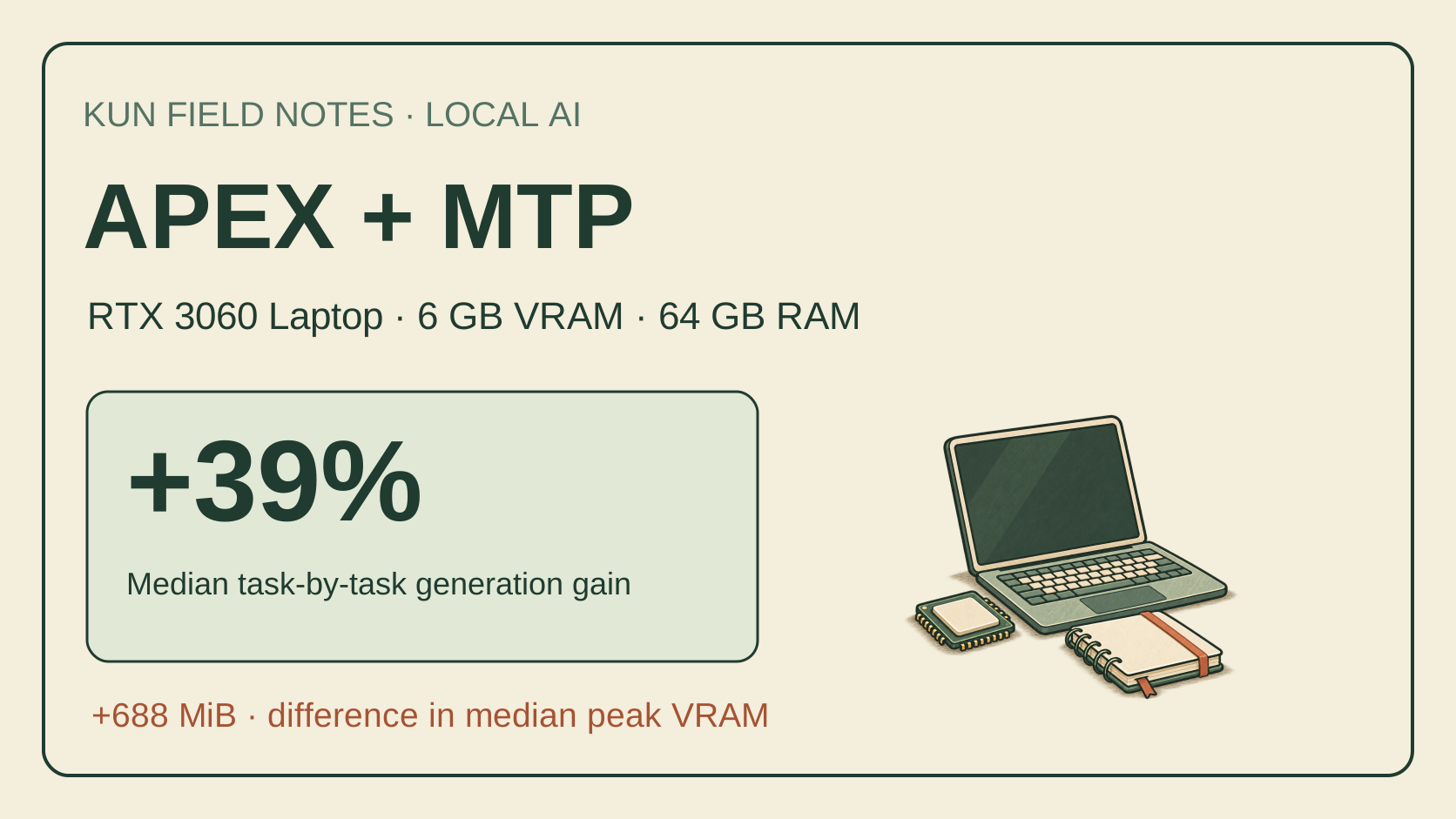
APEX + MTP on a 6 GB laptop: a 39% median generation gain, at what cost?
Across 12 tasks using identical APEX weights, MTP gave a 39% median task-by-task generation-speed gain on my RTX 3060 Laptop (6 GB VRAM, 64 GB RAM). Median peak VRAM rose by 688 MiB; changed answers and retrieval failures are included below.
 Review
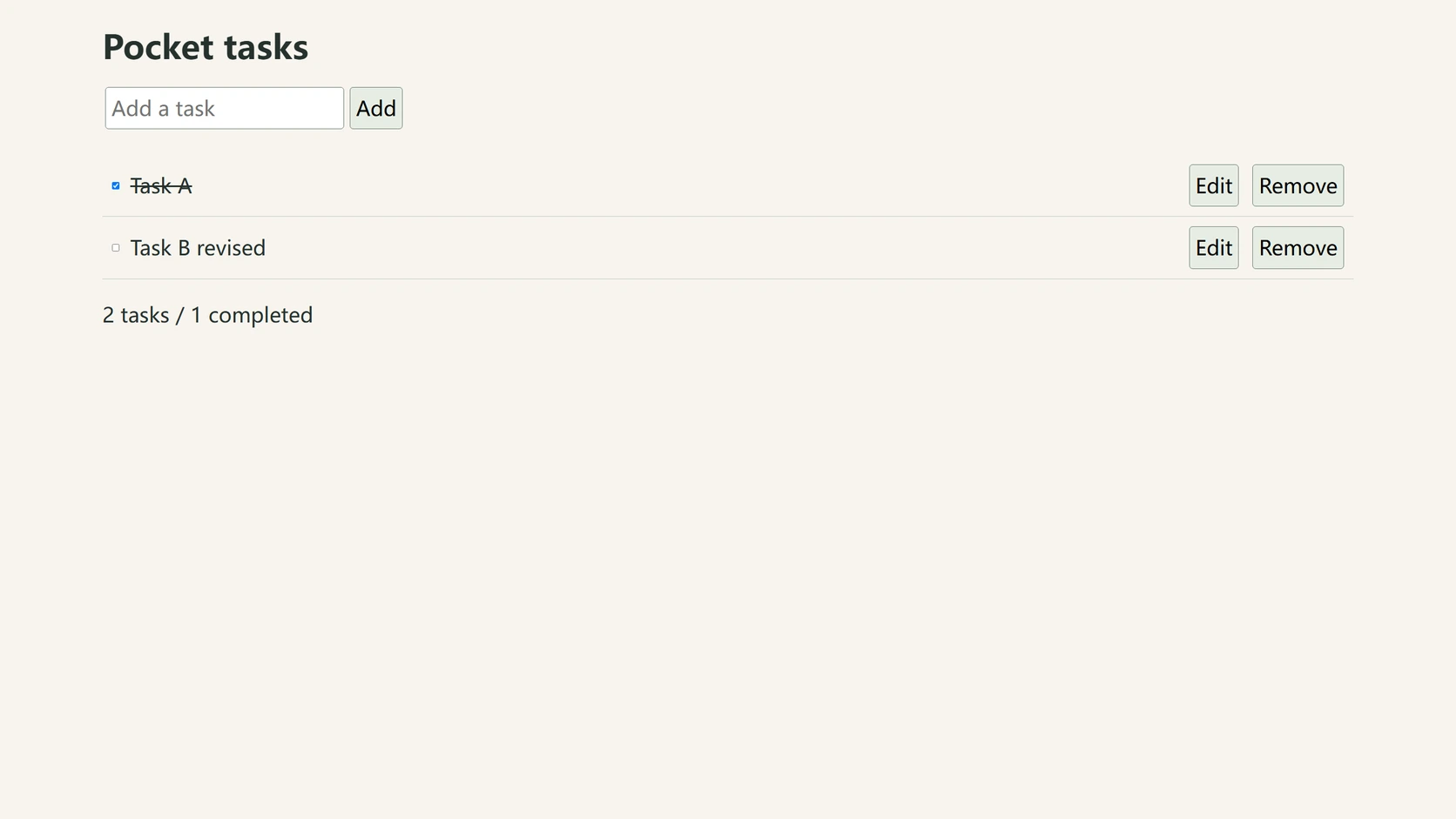
Spark-X2.5-4B on a 6 GB laptop: which model gets things done faster?
On one 6 GB laptop, Spark-X2.5-4B fits entirely in VRAM while Qwen3.6-35B-A3B runs out of system memory. After 72 formal runs, speed and accuracy landed in different places: Spark is dozens of times faster on the main tasks, but Qwen passes more of the 24.
 Review
Poetry posters on a 6 GB GPU: about 4 minutes per image, and 8 of 16 fail on text
On a laptop GPU with 6 GB of VRAM, Qwen-Image 2.1 draws verse, scene and figure into one image; what limits it is text accuracy — only 8 of the 16 images got the text completely right.
 Review
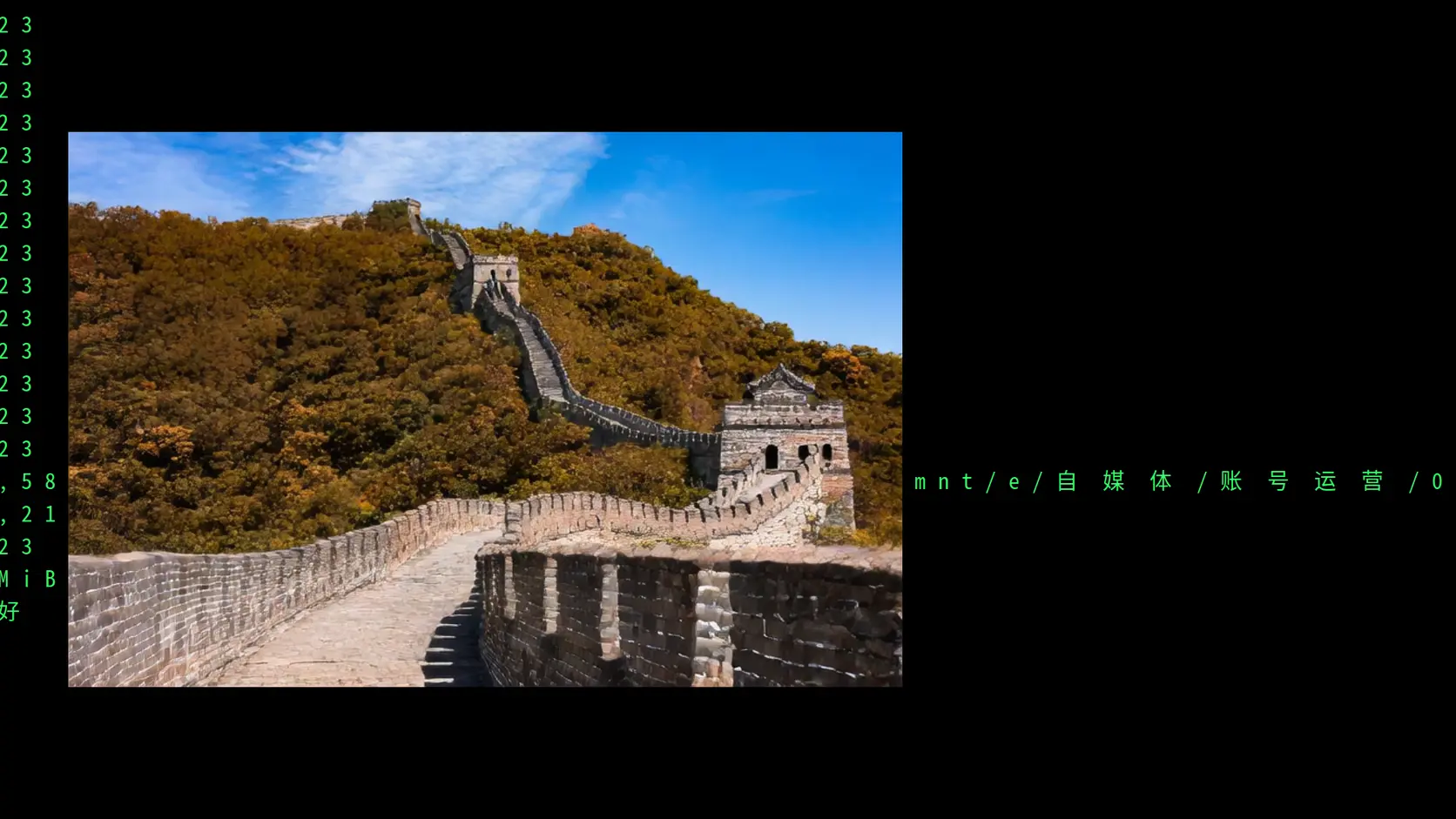
A world model on 6 GB of VRAM, and it produces clips
On a laptop GPU with 6 GB of VRAM, a 1.3B world model produces clips. The cost is time — under a second of picture takes more than ten minutes — and the camera is still not very obedient.
 Review
A 35B MoE on 6 GB of VRAM? 64 GB of RAM Made It Work
With enough system RAM, a 35B-class MoE model can be practically usable with 6 GB of VRAM, provided its expert weights stay on the CPU.